Search
Stock: Suppliers with Stock to Order |
Top Previous Next |
Go to Stock Items >Suppliers With Stock To Order



Suppliers with Stock to Order
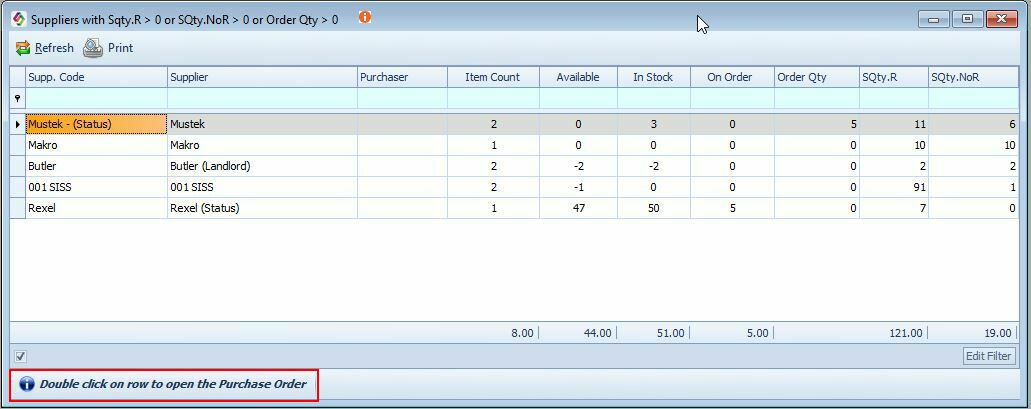
This feature helps you quickly identify suppliers with stock items that need to be reordered.
How It Works:
1.Go to: Stock Items > Suppliers With Stock to Order.
2.A list of all suppliers with stock below the reorder level will be displayed.
3.Double-click on the supplier from whom you want to order.
4.The Purchase Order form will open, allowing you to review and place the order.
Least Days of Stock
Go to: Stock Items > Suppliers with Stock to Order
Least Days of Stock is calculated from the Months of Stock value in the Purchase Planning form. It highlights the item from a specific supplier with the fewest days remaining before stock depletion.
For example:
•If a supplier’s Months of Stock is 0.62 (the lowest among all items),
•The Least Days of Stock will display as 19 (calculated as 30.42 × 0.62).
This column indicates which supplier requires attention first.
Keywords: Least Days of Stock,Suppliers with Stock to Order